Promote your products and services with stunning design. Pixel perfect & expertly crafted.
Site Analysis
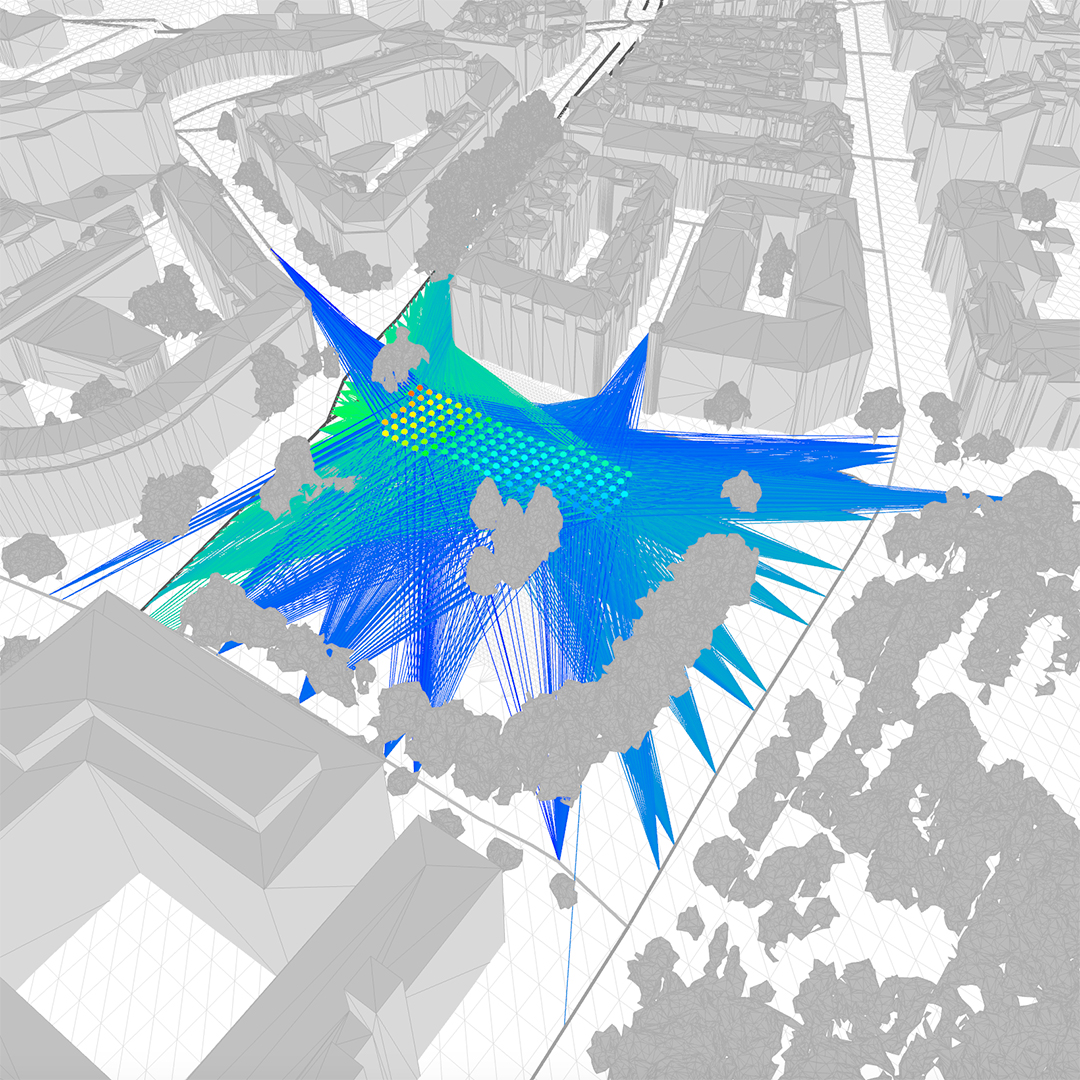
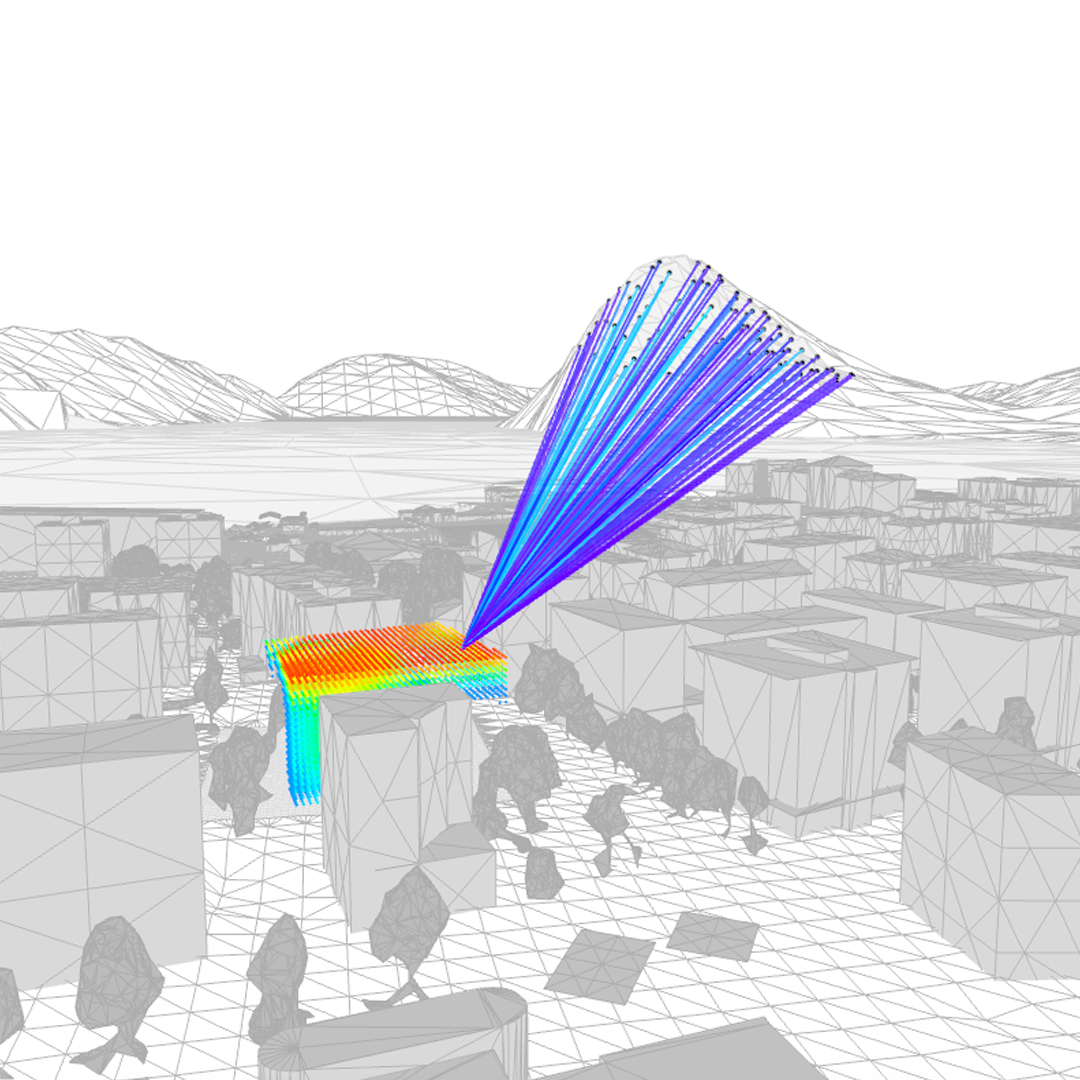
Sun, views, noise and wind are resources of primary importance to create healthy and sustainable cities. They define how people experience urban space and how buildings perform, specifically in increasingly denser urban settings. With UrbanMetrix these complex environmental phenomena become visible, simple, and fast to handle. Given a site location and size, the tool gathers the necessary geodata and discretizes the site into a volumetric grid of sensor points running all environmental simulation without the necessity for the user to provide additional inputs.
Sun
Views
Wind
Noise
Early Design
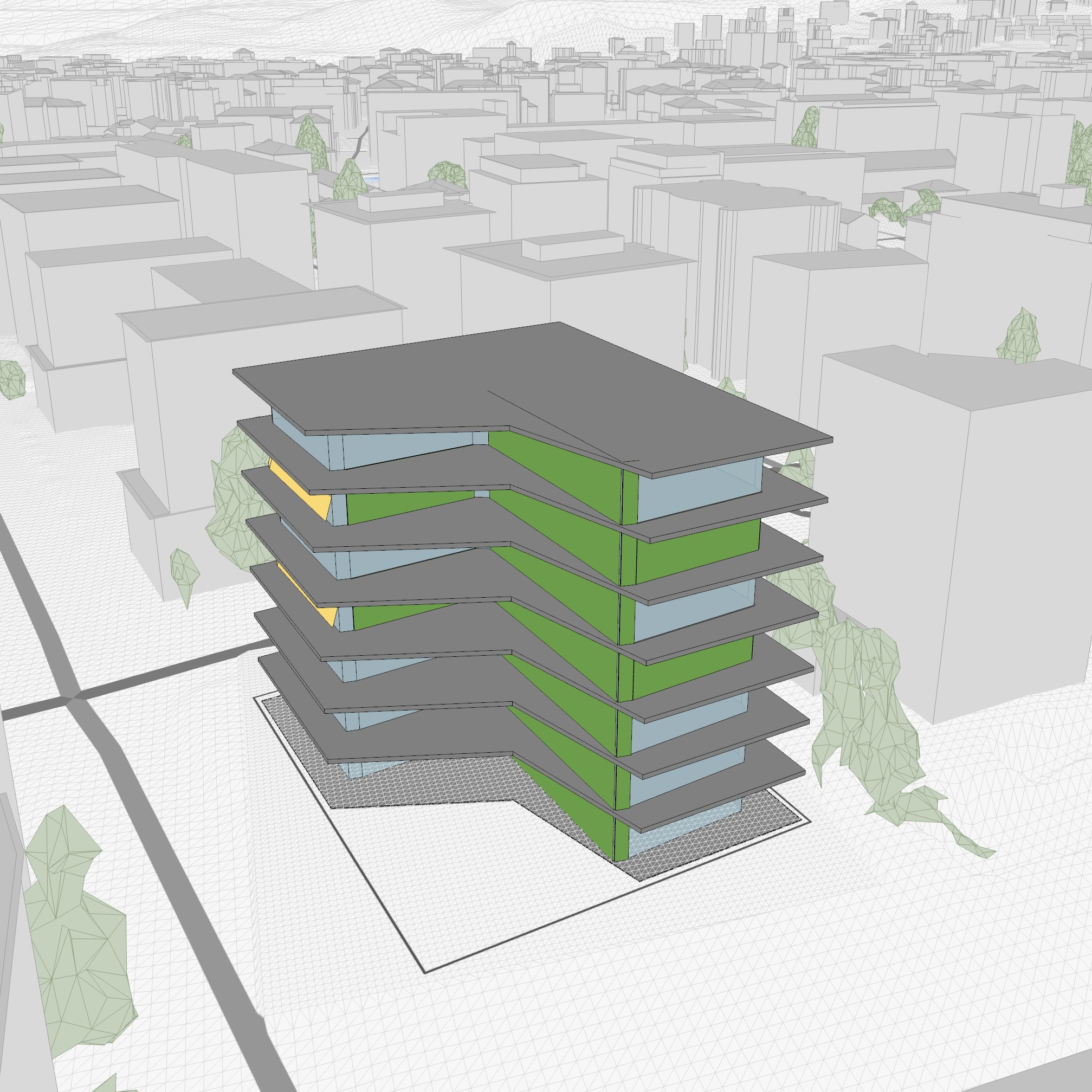
The generated environmental data can then be visualized, filtered, and combined through a highly interactive interface. Results can then be quickly transformed into schematic three-dimensional suggestions. These design schemes enclose the logic of a specific environmental intention related to the achievement of a design goal. Thresholds and weights can be interactively adjusted to influence the results according to the specific aims of the user. These 3D suggestions can be related to outdoor spaces, building massing, facade design, or to the design of components such as PV panels, openings, balconies, and shadings.
Building massing
Facade design
Component distribution
“An inverted design process that starts from environmental resources.”
Use Cases
UrbanMetrix can be used to created value in different type of projects such as new constructions, renovations, and external spaces, and also at different scales spanning from single-family houses, urban buildings, tall towers, and neighborhoods, to large urban areas. It can also be used for different purposes going from the definition of high-level decisions and strategies, down to the detailed design of building components.
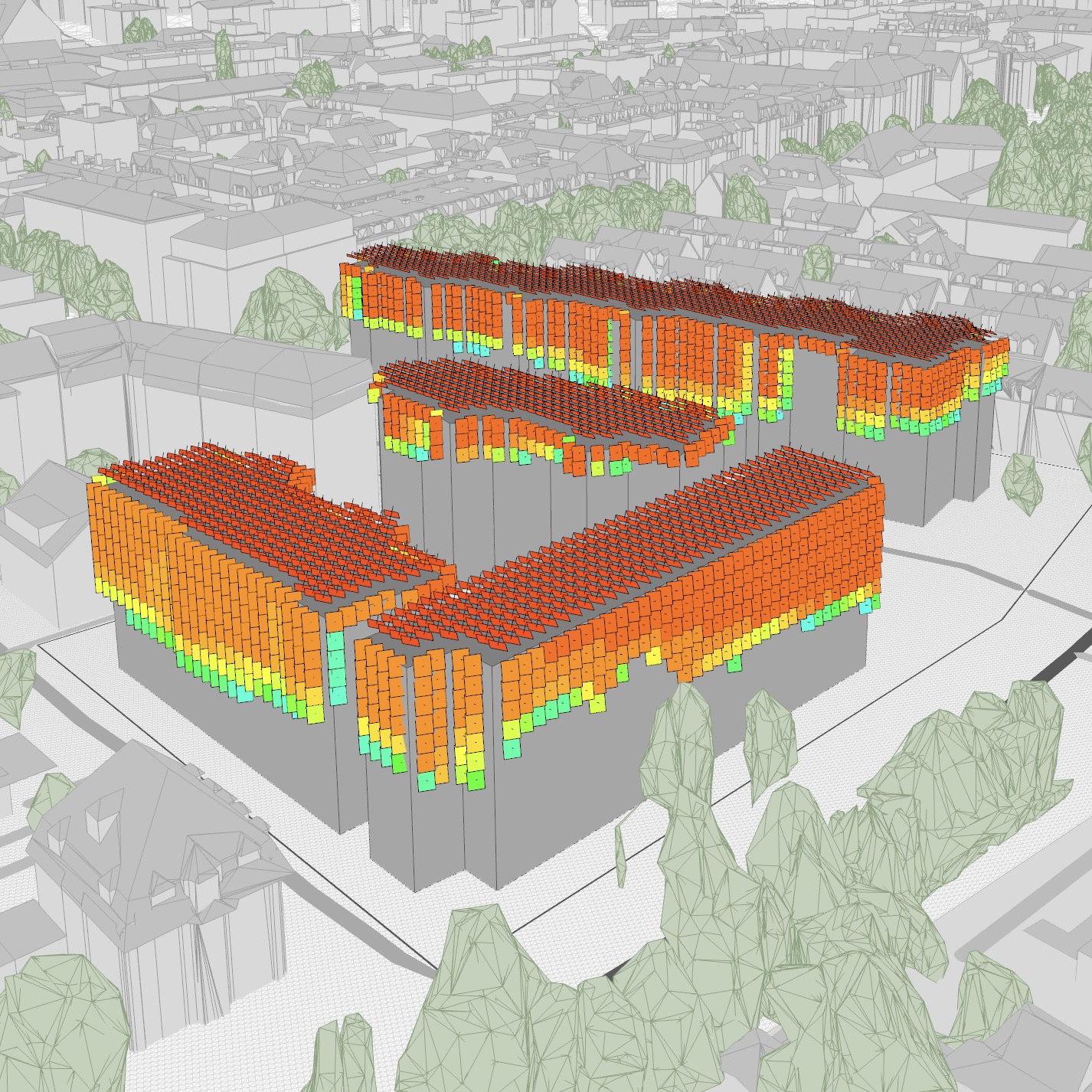
Design of new buildings
Renovation of neighborhoods
Planning of urban areas
Workflow
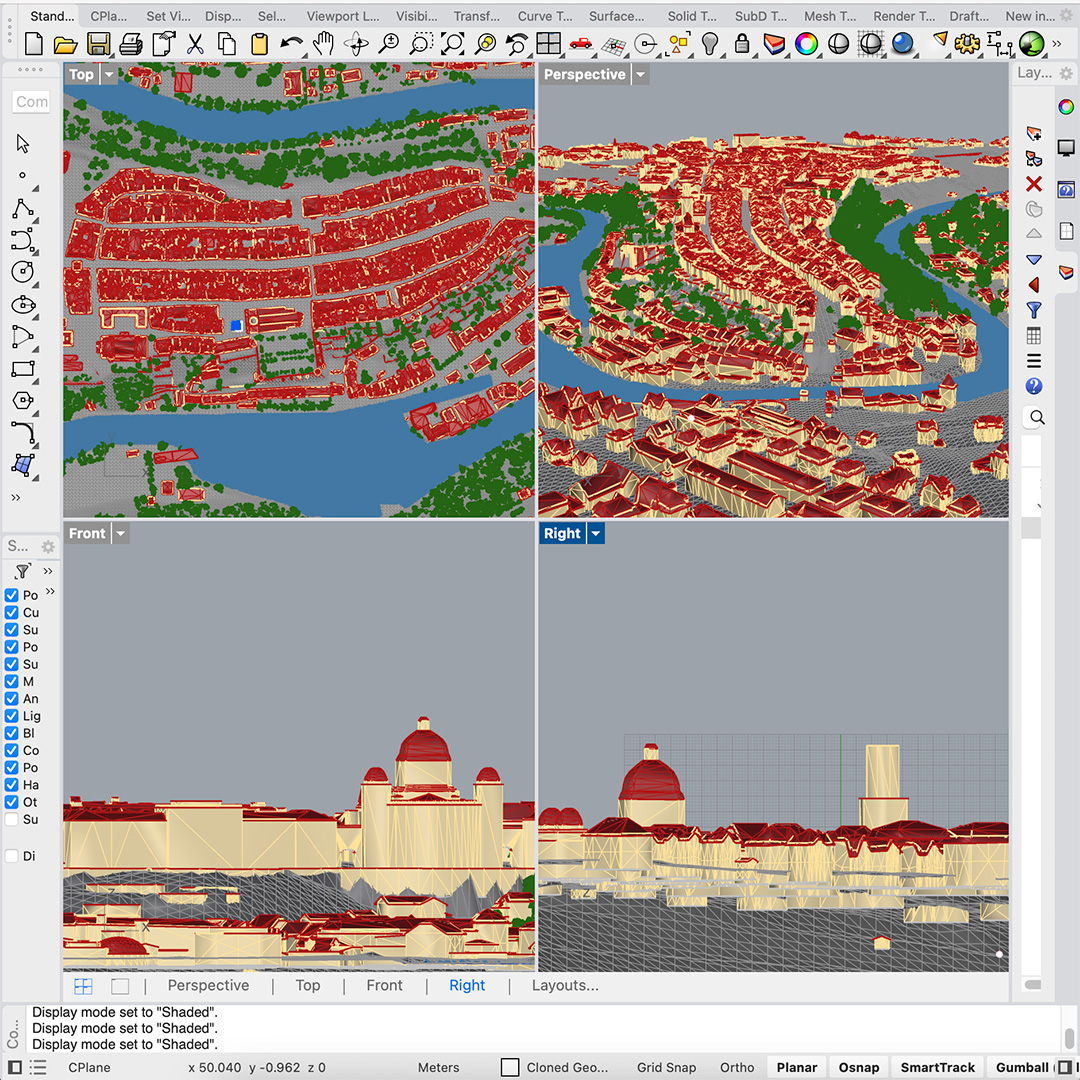
UrbanMetrix is a web-application that combines a user-friendly interface and an intuitive 3D visualizer. The interface allows you to gather geodata, to upload your own 3D models, and to monitor cloud-based simulation processes. After a few minutes you can then observe the results in the 3D Visualizer and transform complex data into clear 3D solutions that anticipate environmental performances. The resulting 3D models can be easily exported to existing 3D modelers feeding the decision and design process with a new form of environmental intelligence.
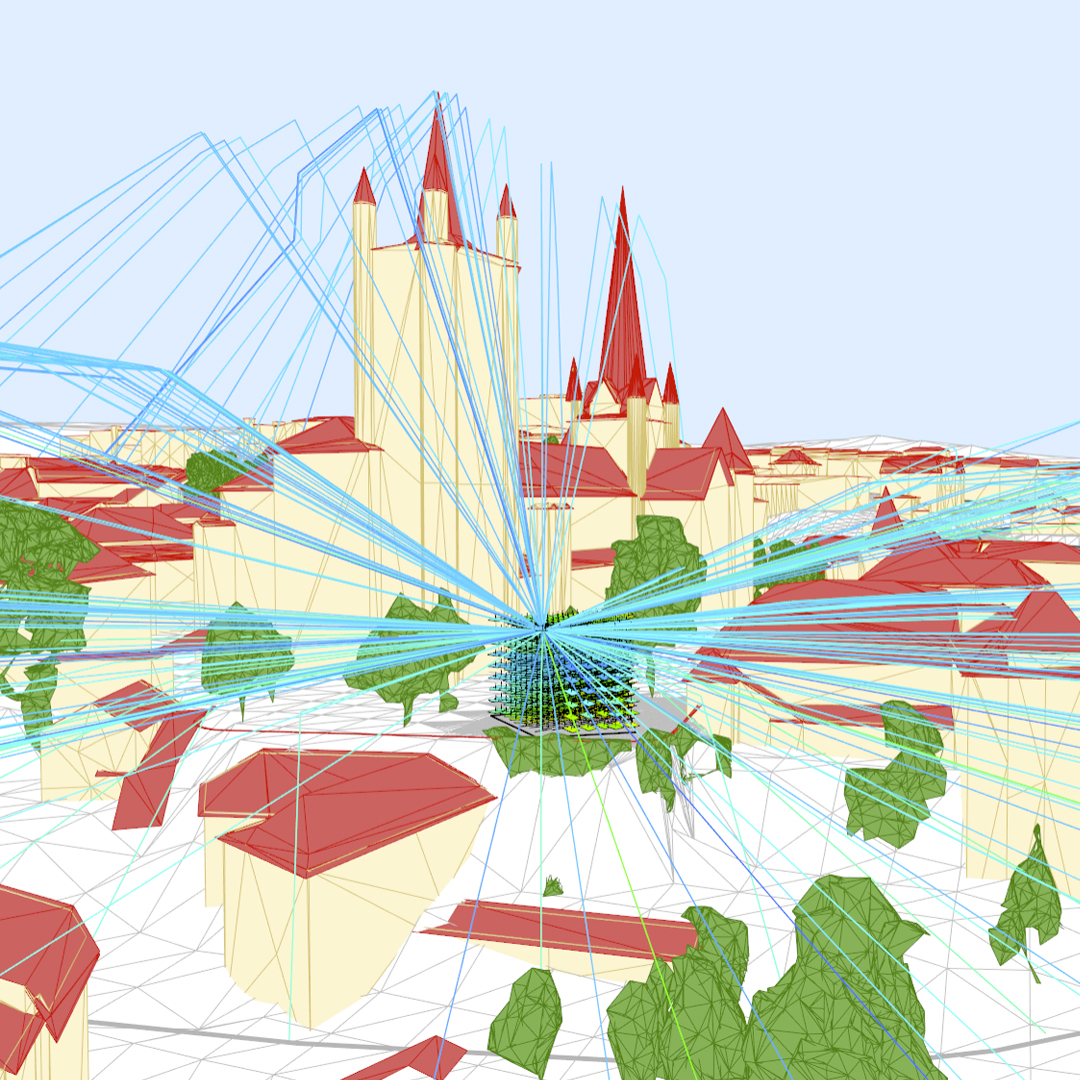
Automatic geodata
Web interface
Interactive visualizer
Workflow integration
Testimonial
“The testimonial quote... Lorem ipsum dolor sit amet, consetetur sadipscing elitr, sed diam nonumy eirmod tempor invidunt ut labore et dolore magna aliquyam erat, sed diam voluptua. Lorem ipsum dolor sit amet, consetetur sadipscing elitr, sed diam nonumy.”
Section form
Feature List
Automatic Geodata
Coverage in Switzerland, soon available in other countries. Notify-Me!
Automatic gathering of data on terrain, buildings (LOD2), trees, lakes, rivers, and streets.
Edit: erase on click, draw 2.5D obstructions and project sketches.
Import OBJ: custom scene, custom obstructions, project sketches.
Analysis Grid
Sensor Point grids with parametrized resolution, height, angle, and elevation.
Predefined plans with up to 60’000 Sensor Points. More on request.
Gathering of legal boundaries, manual offsetting to consider setbacks.
Applicable to empty sites, space around existing buildings, and horizontal areas.
Simulation
High performance parallel cloud computing to run simulations in a few minutes.
Sun: yearly, monthly, and hourly simulations of solar time [h] and energy [kWh/m2/year].
Free View: circular and spherical open space simulation computed as portion of the visibility shape [%].
Target View: lakes, rivers, forests, and custom areas views computed as a portion of the full spherical field of view [%].
Traffic Noise: direct, reflected and diffracted street noise simulation with source type selection, computed as sound pressure levels [dB(A)].
Wind: gathering of statistical wind roses and calculation of the local wind velocity in terms of speed [m/s] and direction.
Visualization
Results visualized as points, voxels, oriented quads, and oriented boxes.
Simulation items: sun-rays, lines-of-sight, noise-propagation-lines, airflow-lines
Scalar and vectorial data modes for all simulation layers.
Selection and aggregation of frames (hours/months) and segments (angular beams).
Cameras with perspective, axonometric, point-of-view, and top-view settings.
Different color and rendering modes: light-grey, dark-grey, color, shaded, rendered, hybrid.
Filtering
Thresholds: upper/lower, value/count, global/level, that help identifying top positions and directions.
Map: that allows re-mapping the color gradient to the currently active sensor points.
Unobstructed: filter the Sensor Points on the incoming site faces that cannot be obstructed by interventions in the site.
Slices xyz and polygon: to reduce the amount of active sensor points.
Averages across Sensor Points: global/horizontal/vertical, arithmetic/median.
Projections: horizontal, average, orthogonal to a given horizontal orientation.
Close to roof/wall/terrain to isolate Sensor Points in proximity of specific items.
PV Supply: identify the best positions/orientations to maximize the active production or to match supply and demand.
Solar Heat Gains: identify the best positions and orientations to collect passive solar heat in the heating season.
Combination
Multi Mode to overlay multiple filtered layers and identify positional and directional consistencies.
Mixed Mode to combine mathematically multiple layers and apply different weights*.
Multiple combination logics: and/or, highest-value.
Transformation
Multiple application areas: full-Site, hand-drawn, data-based (coming soon).
Possibility to connect different data layers to different components.
Single-volume Design Schemes of different types: building box, hull, oriented.
Floor-based Design Schemes with parametrisation of single and dual borders, floors, facades (transparent, oriented), and components (openings, PV panels, balconies, shadings, greenery.
Metrics
Sensor Points: average and total value, points in target range, total number and surface.
Design Schemes: opaque, glazed, PV, and total surfaces.
Solar Energy and Emissions: passive and active energy, demand coverage, saved CO2 emissions.
Export
4D video: 360 orbit, 360 look-around, timelapse, free recording, MP4 or GIF*.
3D model: 3DM, OBJ, STL, GLTF, DXF.
2D image: PNG, JPG.
1D numerical: CSV, TSV, JSON*.
Collaboration
Observations: save a 3D scene that can be shared or resumed at a later stage and arranged with its icon, title and description into observation reports*.
Multiple user types (owner, admin, editor, viewer) with management of different permissions.
Multi-user, multi-organization, and user-project access management.
The features marked with * are available only in specific plans.