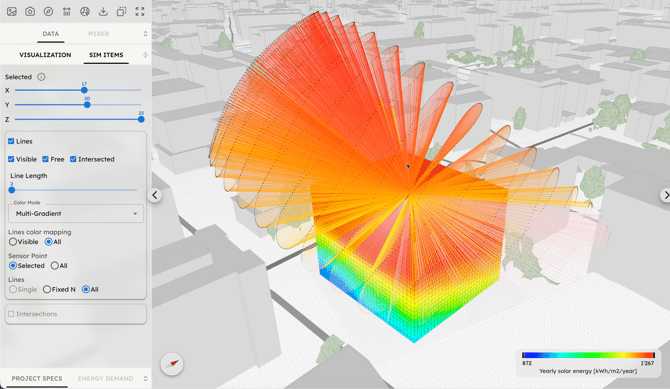
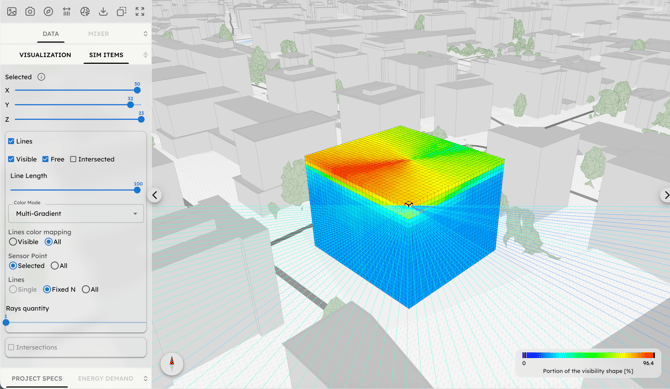
Use this section of the Visualizer to:
-
Select Sensor Points: Choose any specific Sensor Point within the 3D Grid using the XYZ sliders or by clicking while holding Ctrl/Cmd.
-
Extract Data: View detailed information for the selected point, including its current simulation value, height, orientation angle, and more by clickin on (i).
- Visualize Simulation Lines: Activate and customize the vector lines of the active simulation. You can manage their length, color, type and density, controlling which and how many lines to display.