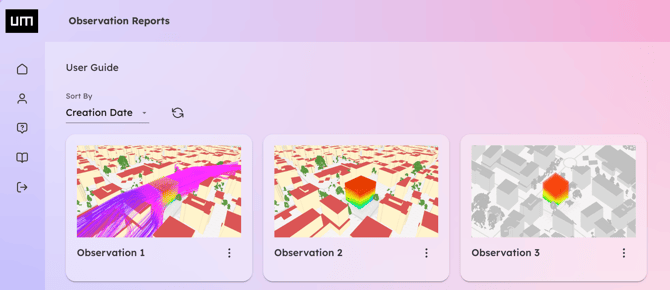
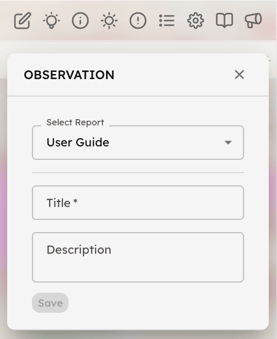
Use the Observation button to create Observation Reports, which act as saved states of your 3D scene. Each report captures all active settings and parameters exactly as they appear in the Visualizer.
-
Create and Annotate: Assign a custom title and a detailed description to your current view to highlight specific insights.
-
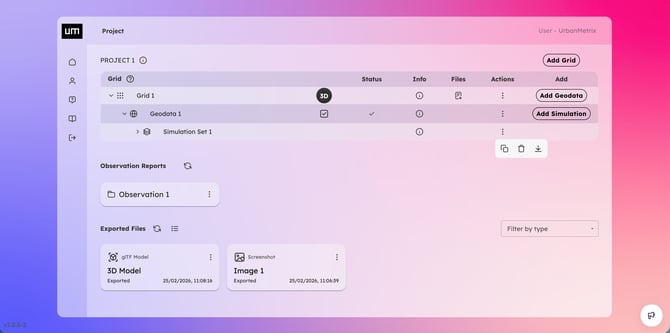
Access via Dashboard: All saved reports are stored on your Project Page in the Web-App Dashboard.
-
Quick Recall: Clicking an Observation Report in the Dashboard displays a snapshot of that specific scene. Click the 3D icon to reopen the Visualizer and completely restore the 3D scene including every setting, parameter, and camera angle previously saved.