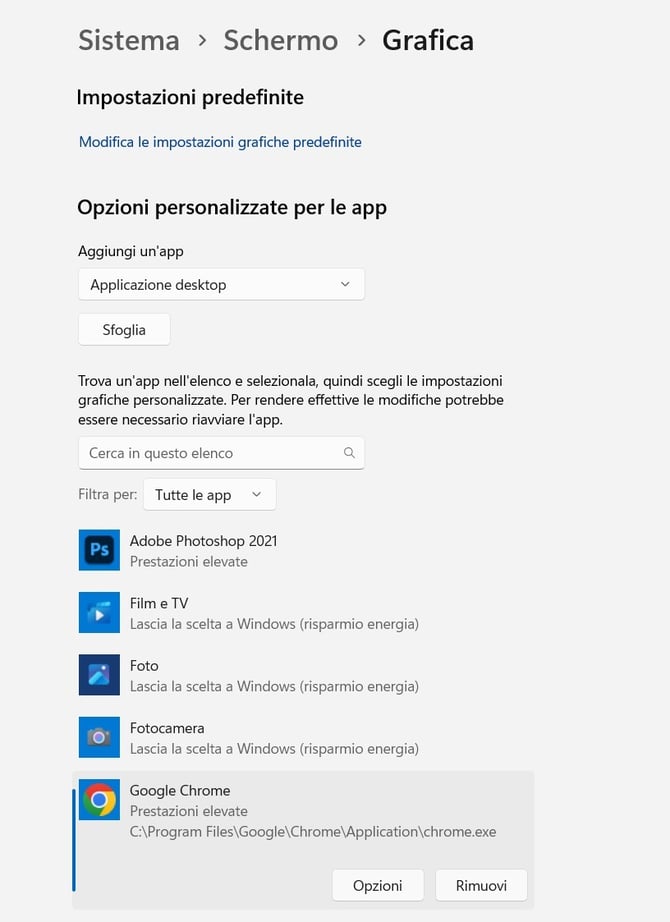
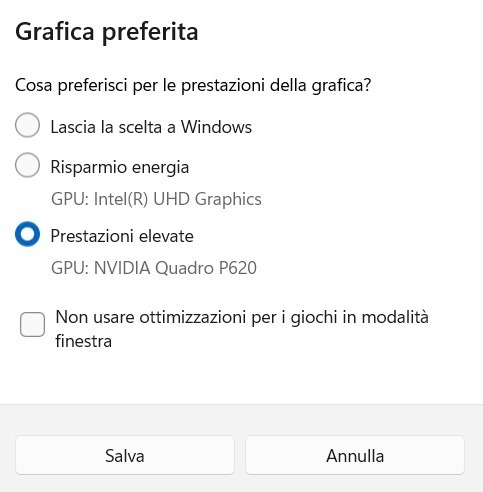
If the Visualizer FPS (Frames Per Second) is low or the scene moves slowly, your Windows laptop GPU settings might be the cause. Many laptops feature two different GPUs (Graphics Processing Units): an integrated basic one and a dedicated high-performance one (e.g., NVIDIA). Ensure that your web browser (Chrome) is set to use the high-performance GPU for optimal results.
Settings > System > Graphics > Google Chrome > Options > High-performance