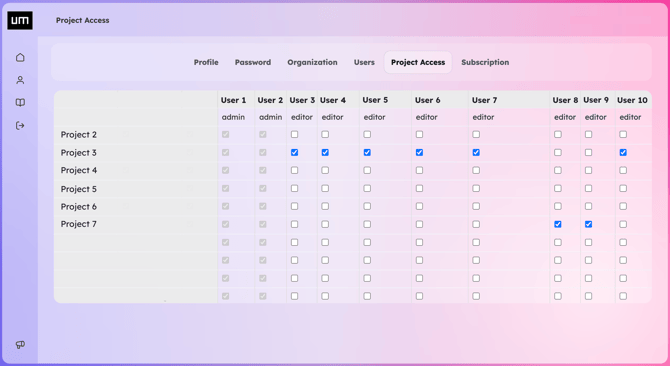
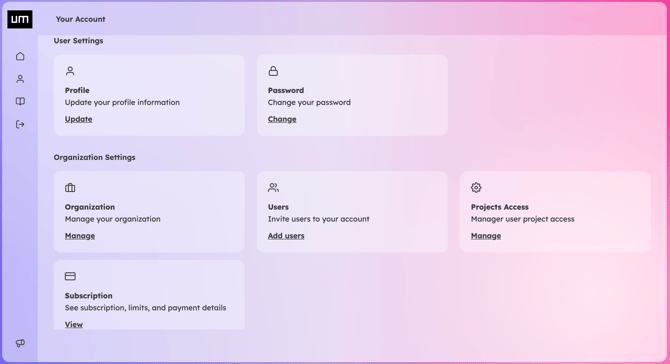
To configure which users can access specific projects within your organization, navigate to Organization Settings > Project Access and click Manage.
In this section, you will see a matrix of your projects and team members. Simply check or uncheck the boxes to instantly grant or revoke a user's access to a specific project.