Organizations
A user can be part of multiple organizations. Top-right in the webapp you will see both the name of the user and of the currently selected organization. Clicking on the organization name allows you to switch among multiple organizations and to access to the user account.
User Account
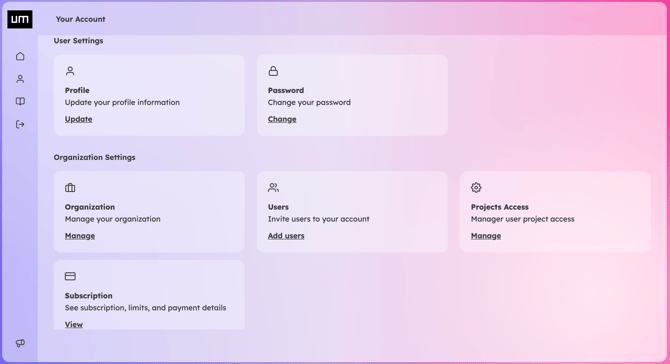
In the user account you can manage you name, email and password, and if you have the related rights you can invite new users to your Company account, manage users project access and review your subscription.
User Types
There are three types of users: one Owner of the Company account, admins and editors:
-
Editors can be internal or external collaborators of the Company. They can view and edit only the specific projects they have been granted access to by an Admin.
-
Admins have access to all projects within the Company account. They can create new projects, invite users, and manage project access. Creating new projects consumes project credits. Grant the Admin role carefully.
-
Owner has additional plan selection and billing features.